Hunar Screeners Guide
How To Use Screeners In Hunar Terminal (A to Z)
This complete guide explains how to use AI trading screeners in Hunar Terminal: from login to selecting market and timeframe, understanding prebuilt and premium screeners, and turning scanner output into high-quality intraday and swing trade decisions.
How to choose market correctly
Market selection controls liquidity, spread, and behavior. Pick the market where you can execute with discipline and where your strategy has data-backed performance.
Tip: If you are a beginner, start with one market and one setup family; avoid random switching between markets during live sessions.
How to choose timeframe correctly
Lower timeframe scans are faster and noisier. Higher timeframe scans are slower and cleaner. Match timeframe to your lifestyle, risk tolerance, and execution speed.
Practical map: scalpers use ultra-low intervals, intraday traders use short-to-medium intervals, swing traders use higher intervals, and positional traders prioritize daily structure.
What screeners actually do
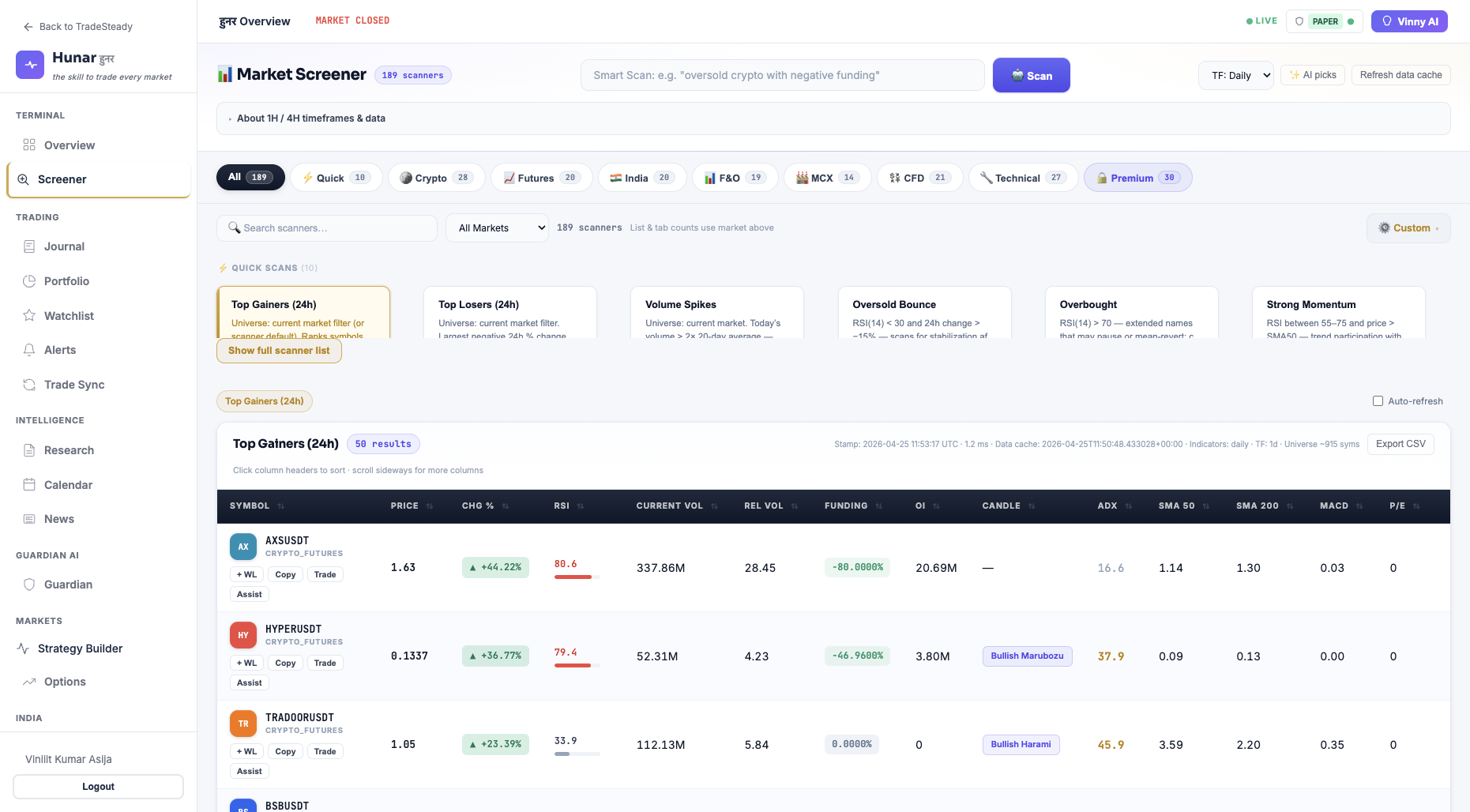
A screener scans large symbol universes using rule-based logic and surfaces high-probability candidates. It saves time, reduces emotional bias, and helps you focus on process-driven trades.
Screeners do not guarantee profits; they improve selection quality. Final risk and execution decisions always stay with the trader.
Why we have prebuilt screeners
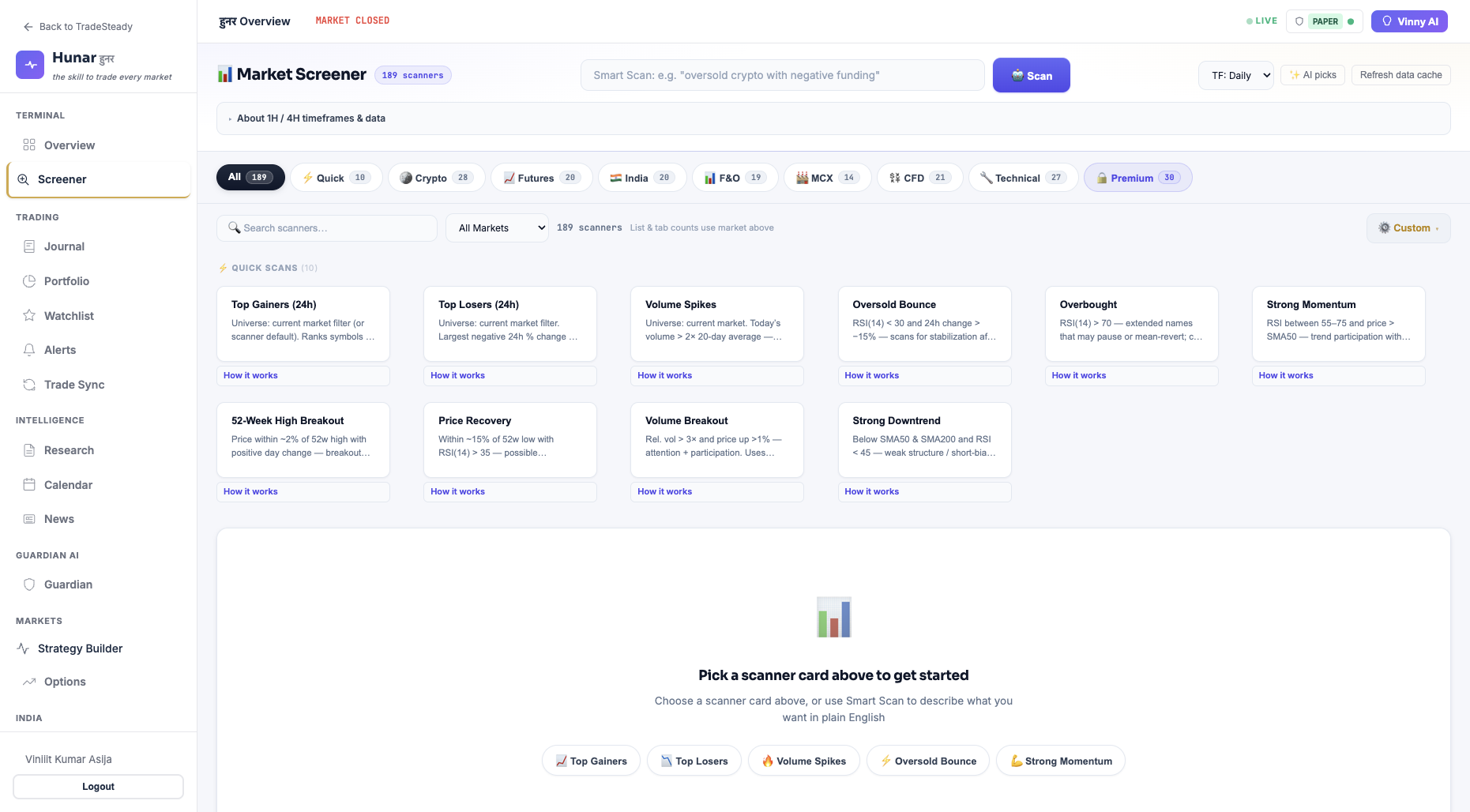
Prebuilt screeners are designed for speed, consistency, and onboarding. Instead of building filters from scratch, you get ready-to-use setups aligned to common market behaviors like breakouts, trend continuation, reversal structure, and liquidity-driven moves.
- For new traders: remove complexity and decision fatigue.
- For intermediate traders: improve repeatability across sessions.
- For professionals: save research time and scale multi-market scans quickly.
Premium screeners available in Hunar
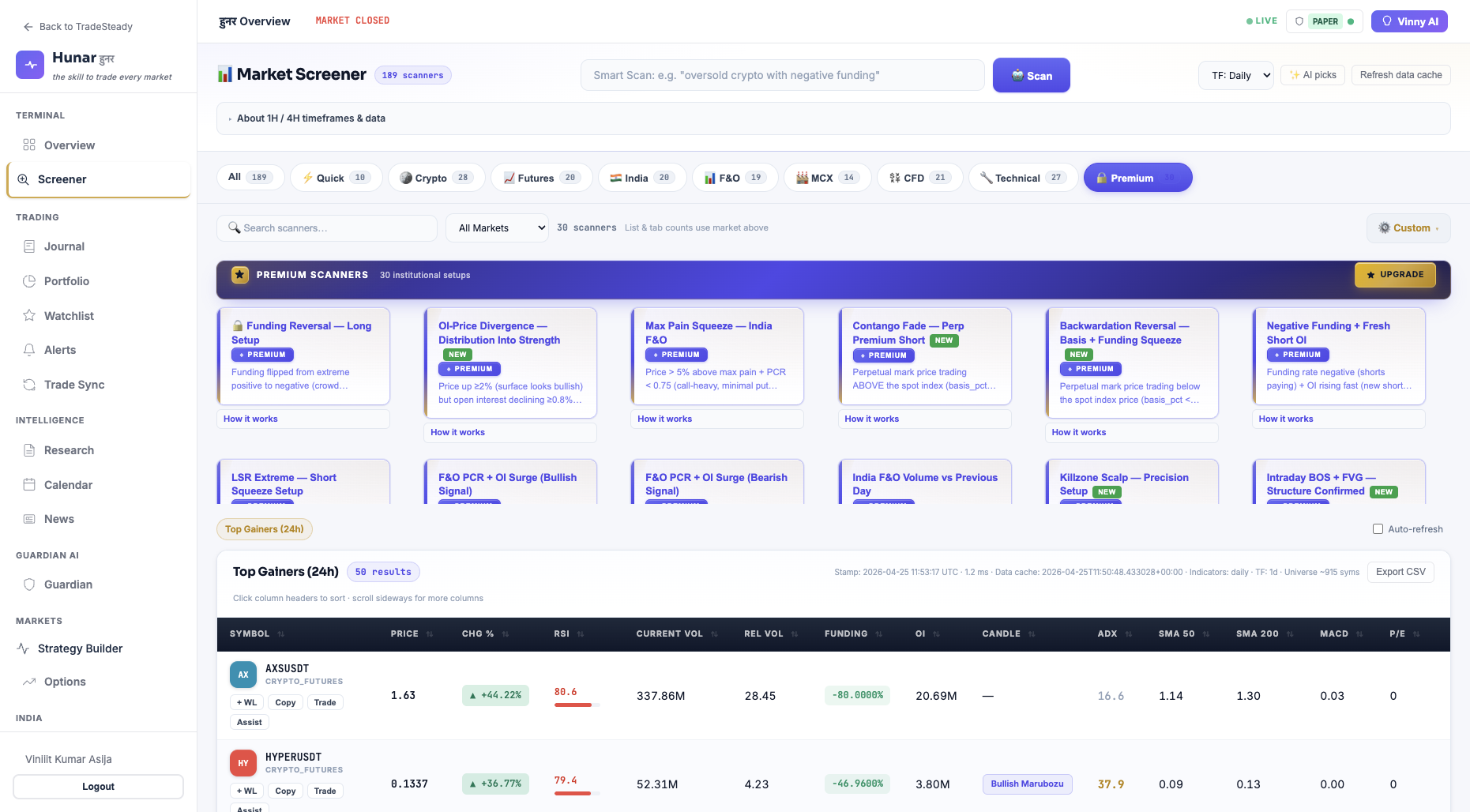
Hunar includes premium screener families across crypto, forex/gold, and India markets. Examples include:
Crypto & futures: Breakout Long, Breakdown Short, Funding Squeeze, Funding Reversal, OI Surge Long, OI/Price Divergence, Liquidity Hunt, Long-Short Extreme, Meme Runner.
Gold/XAUUSD: ICT CHOCH Reversal, ICT BOS FVG Long, ICT Sweep Reversal, Killzone Setup, Volatility Compression, BB Breakout, Correction Long, Safe Haven Drive.
India markets: India F&O Pre-Breakout, Trend Pressure Long/Short, Dead Cat Fade, Expiry Pin, PCR Squeeze Watch, OI Stall, Volume vs Previous Day, NSE/BSE Cash Breakout Drive.
Access to advanced screener families is based on your account plan and terminal permissions.
Search-friendly quick terms traders use
Best stock screener India, intraday screener, swing trading screener, AI trading screener, crypto screener, forex screener, gold screener, options screener, and prebuilt scanner for professional trading workflows.
How screeners help in trade selection
- Rank opportunities by rule quality instead of social noise.
- Reduce missed trades by scanning all relevant symbols quickly.
- Support top-down process: market context to setup quality to risk plan.
- Improve consistency by repeating the same checklist every day.
Beginner to professional workflow
Beginner: 1 market, 1 timeframe, 1 prebuilt screener, strict risk cap.
Intermediate: 2 markets, multi-timeframe confirmation, mix of prebuilt and premium.
Professional: multi-market watchlist, regime-based screener rotation, portfolio-level risk controls.
Same principle at every level: quality setup first, risk second, execution third.